Quick Start Guide
How a Health-Shared community is built
Start your community setup at any time. Build the core knowledge foundation, prepare the community experience, and launch publicly once the community is ready to be useful.
- Core member interviews
- Tacit knowledge
- Structured journeys
- Activation at scale
Why this page exists
The expanded version of “How it works”
This page expands the shorter “How it works” section used across the audience landing pages. It explains the real setup process from private build to public launch, then into continuous improvement.
Before you begin
Builders can begin setup whenever they are ready. A community becomes visible in the public Health-Shared list once it crosses the core community threshold: three completed core community member interviews across all seasons.
- Step 1
Start your community setup
Begin by defining the community: who it is for, what shared need it addresses, and the initial knowledge focus that will shape the experience.
At this stage, the community is prepared privately so the foundations are in place before wider rollout.
PopulationPurposeKnowledge focusCommunity identityCommunity setup screen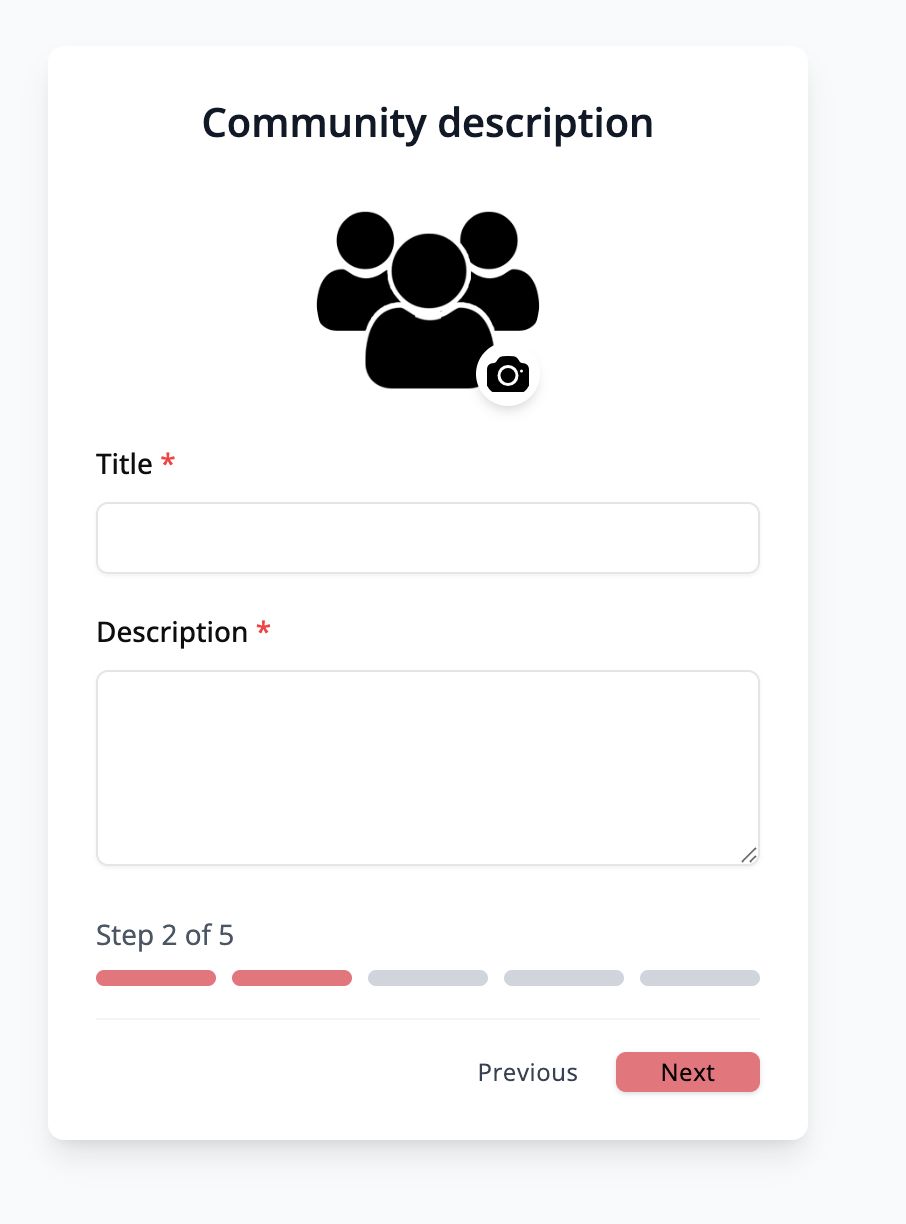
- Step 2
Build the core community first
Invite a small group of core community members who reflect the people the community is being built for. Add them one by one or in bulk.
The first job is not scale. It is building a strong core that can shape the community meaningfully.
Single addBulk uploadInvite statusInterview progressCore member recruitment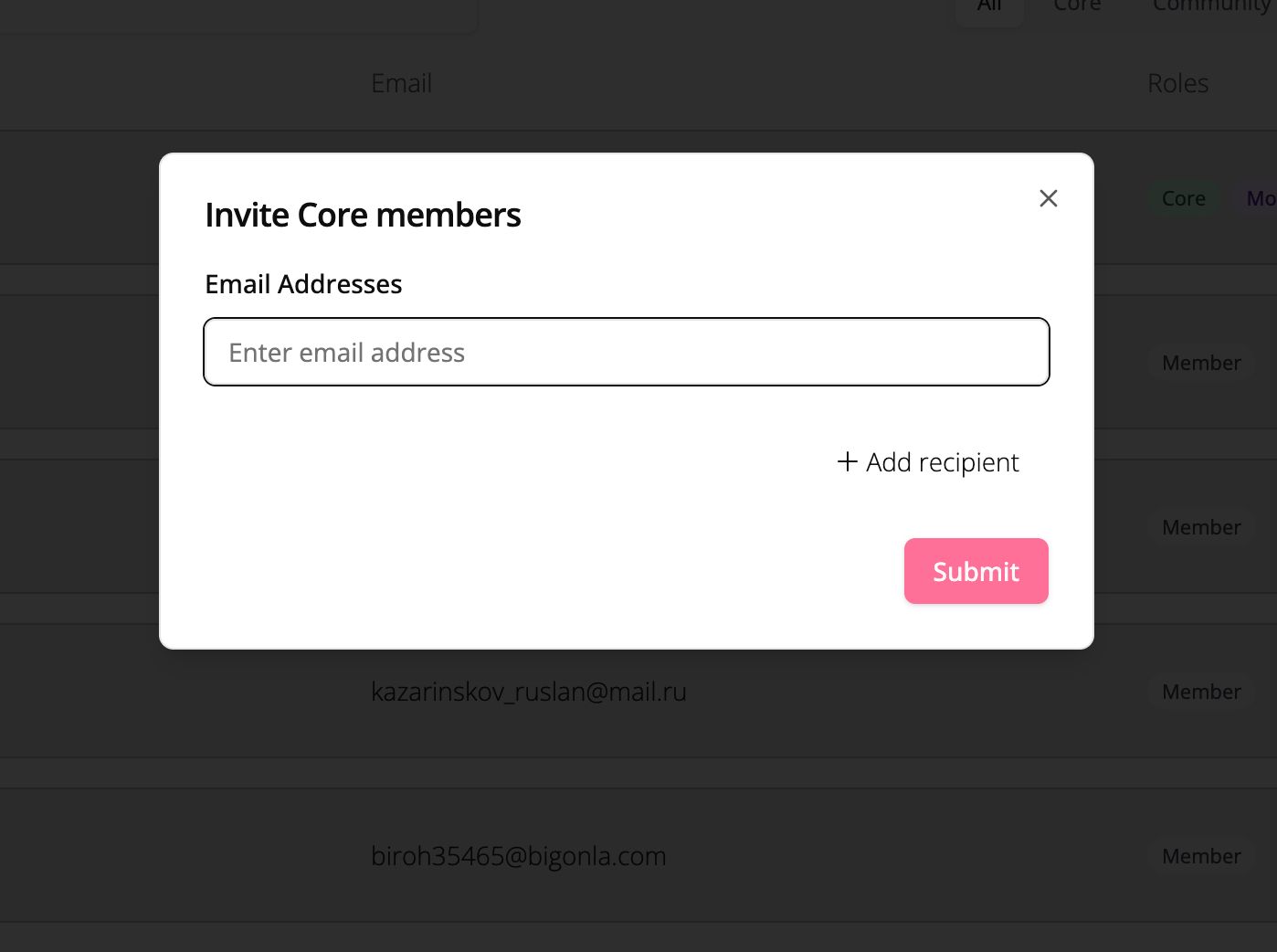
- Step 3
Run guided core member interviews
Invite core members to complete guided discovery interviews using the online interview tool. The process is structured, supportive, and easy to complete asynchronously.
These interviews capture what people are experiencing, what they are struggling with, and what support they value most.
WelcomeSeason selectionRecord or uploadCompletionInterview flow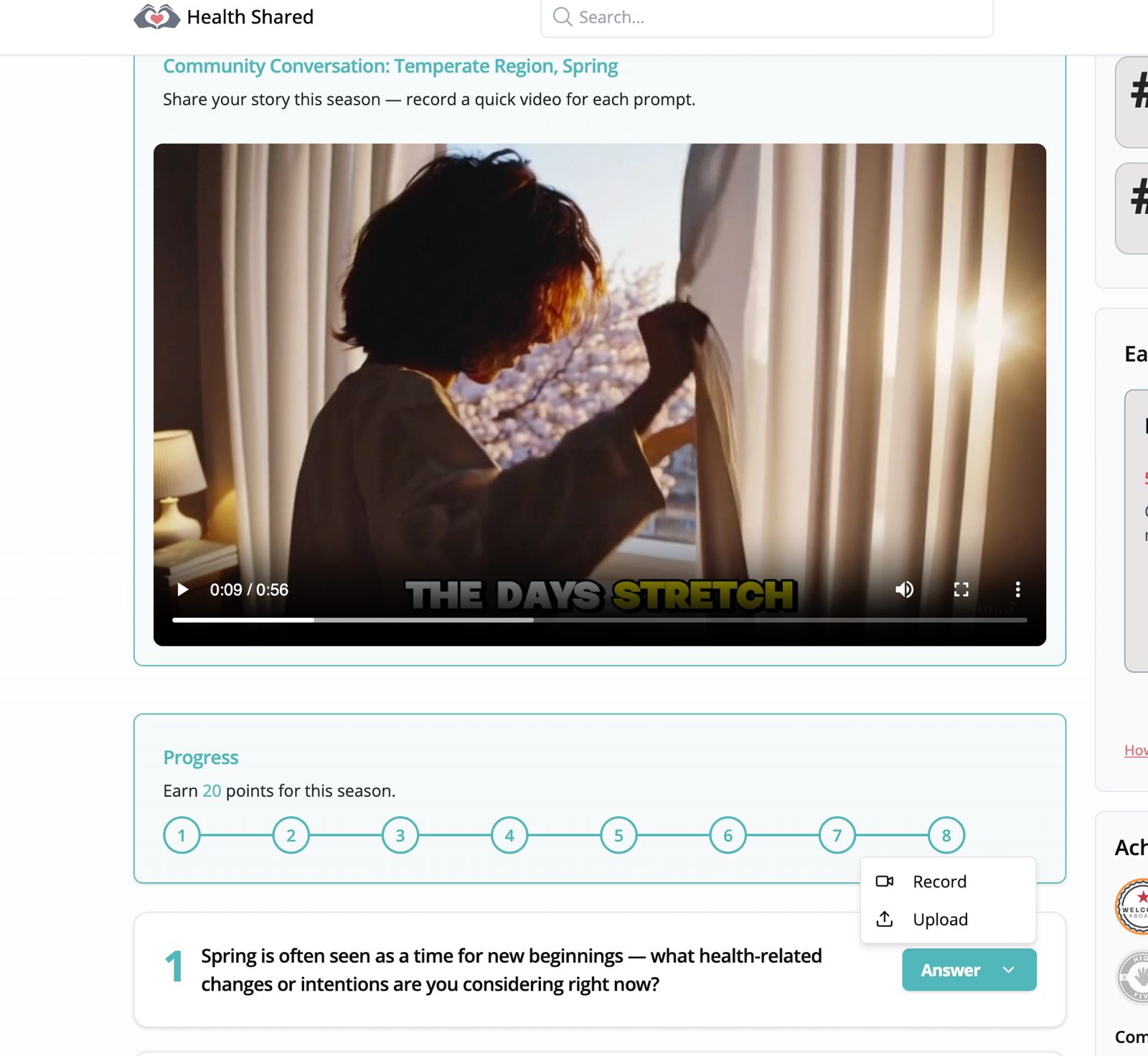
- Launch threshold
Public visibility begins when the community is ready
A community becomes visible in the public Health-Shared community list once it reaches the core community threshold: three completed core community member interviews across all seasons.
At that point, there is enough foundational tacit knowledge and insight to make launch feasible.
Threshold metInterview countReady for visibilityCommunity statusReadiness state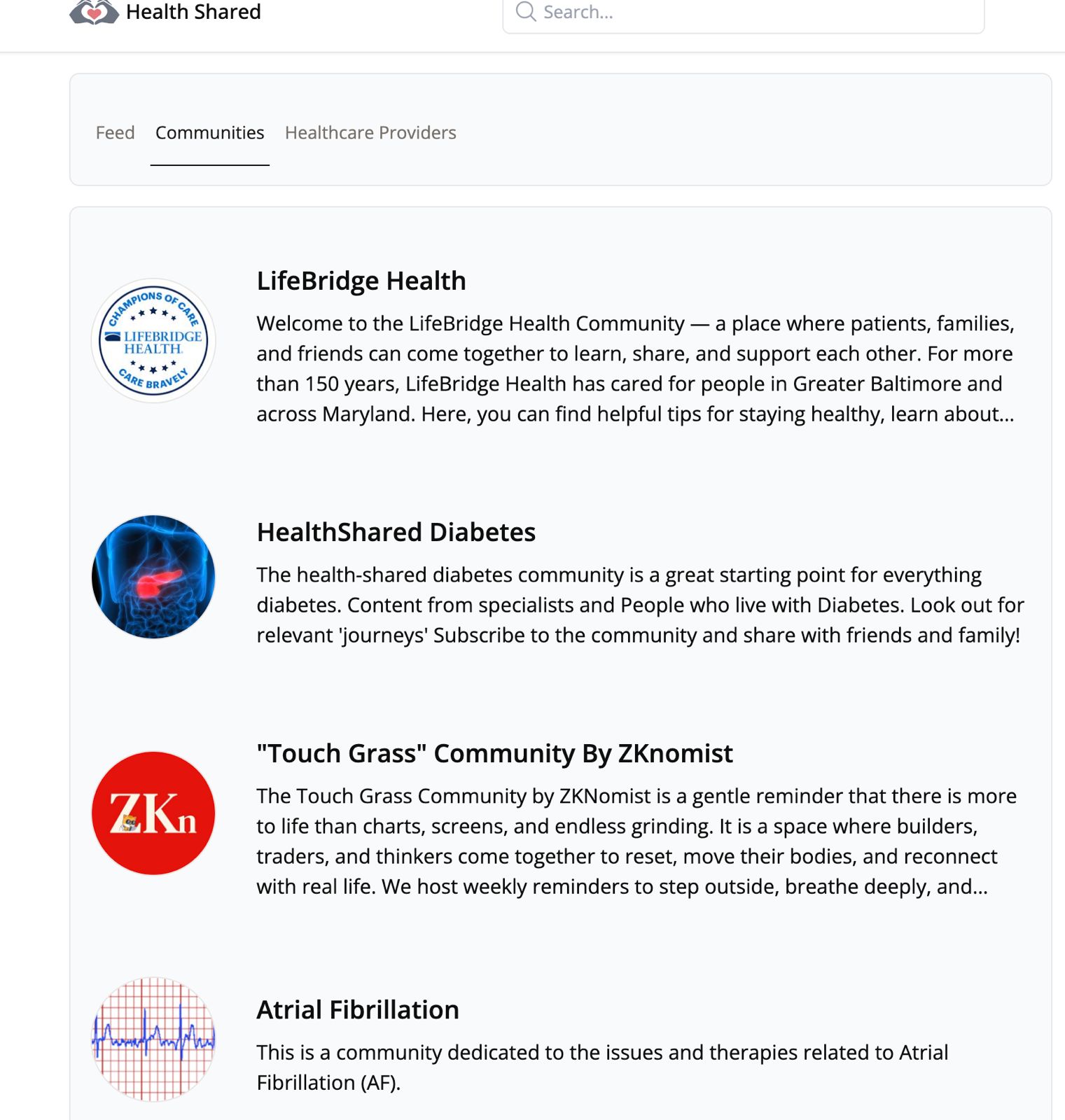
- Step 4
Turn interviews into tacit knowledge and insight
The setup process and the first core interviews generate tacit knowledge: lived, practical understanding of what helps, what gets in the way, and what themes matter most.
This becomes the first layer of community content and insight, so the community is not launched empty.
ThemesStoriesSeasonal tagsInsightsTacit knowledge view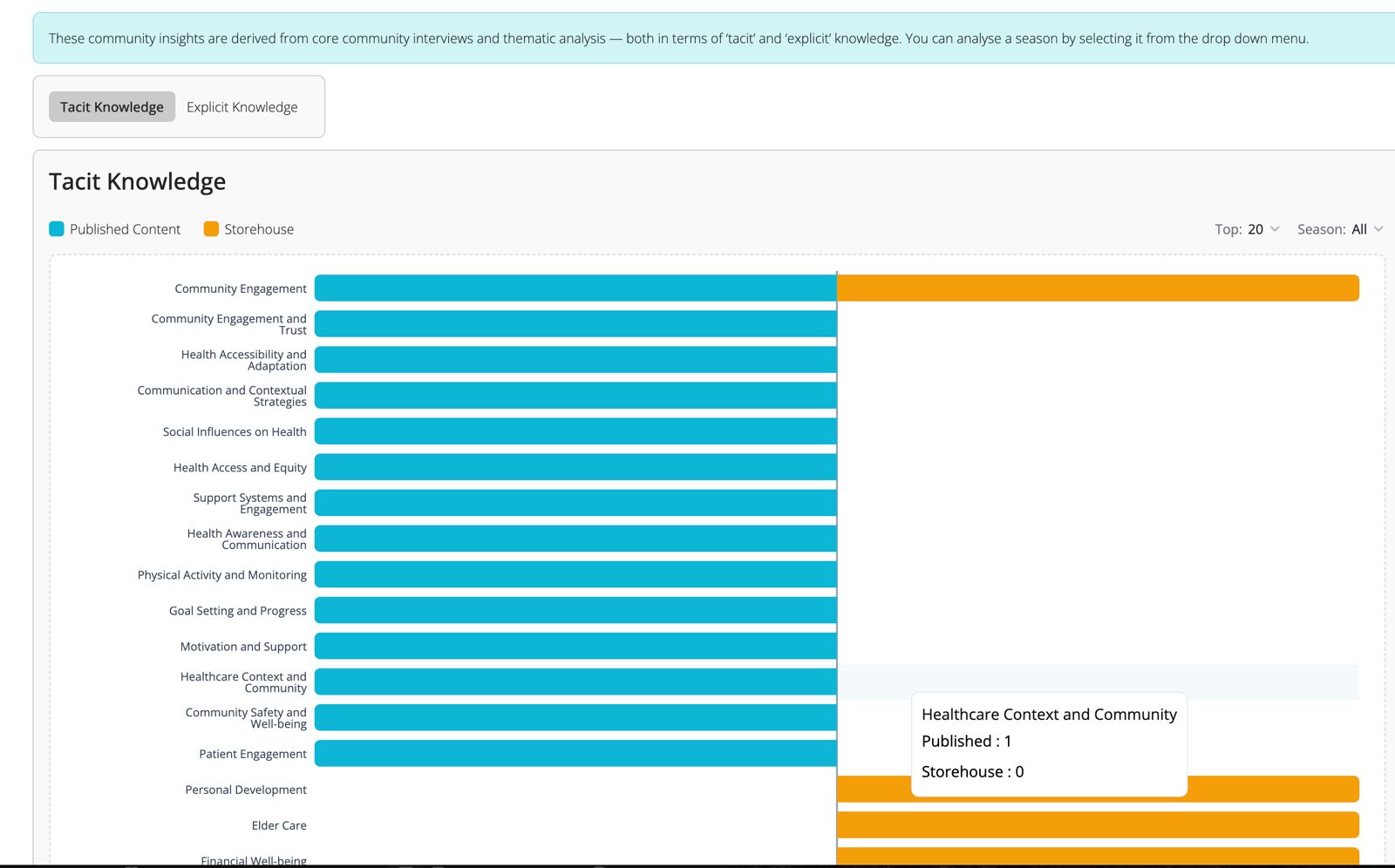
- Step 5
Define explicit knowledge and build journeys
Alongside lived experience, define the explicit knowledge focus of the community and upload journeys relevant to the population being served.
Organise journeys into learning, treatment, and continuing care phases so the community has practical structure from the beginning.
LearningTreatmentContinuing careExplicit knowledgeJourneys and knowledge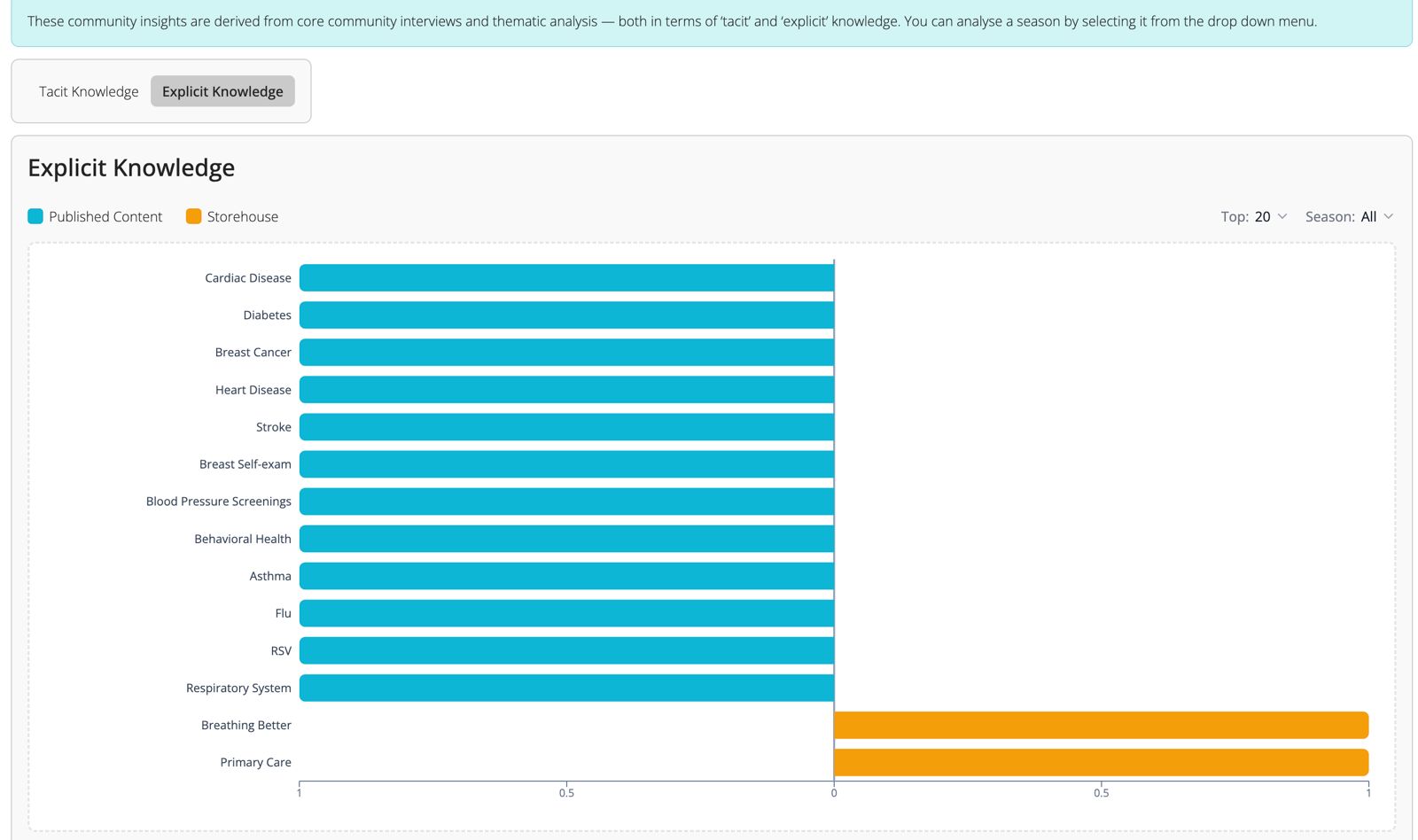
- Step 6
Turn on content scheduling and incentives
Once the knowledge foundation is in place, switch on community content scheduling for the feed and prepare the participation model that helps maintain momentum over time.
This can include a monthly prize draw, honourable mentions, offline prizes, and a Wise cash transfer option when available.
Feed schedulingPrize drawHonourable mentionReward settingsScheduling and incentives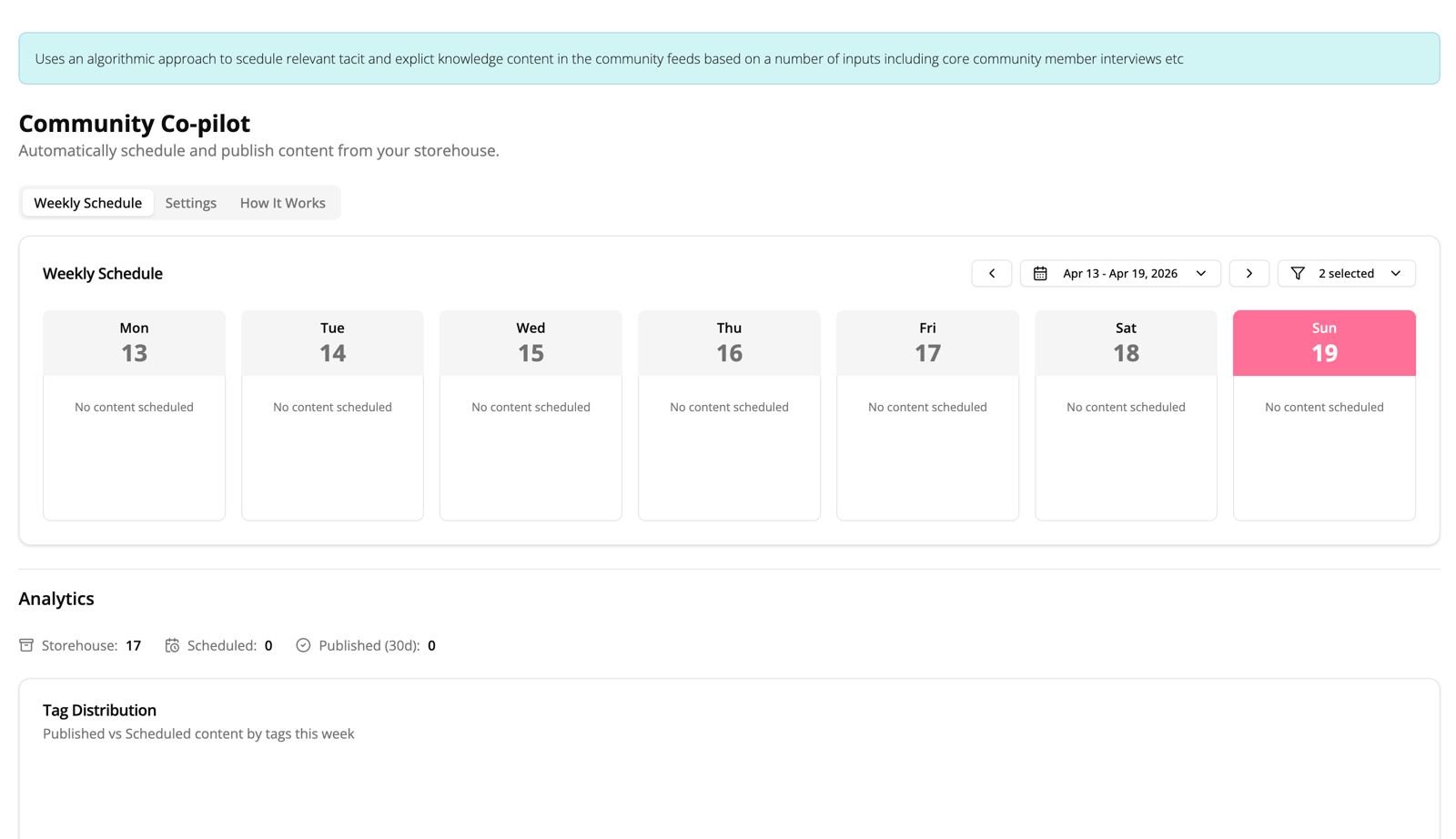
- Step 7
Onboard the wider population
Once the community has direction, knowledge, and participation systems in place, onboard the wider population one by one or at scale.
People are now joining a space that already has structure, useful content, and a clearer sense of purpose.
Invite flowBulk onboardingCommunity readyMember growthPopulation onboarding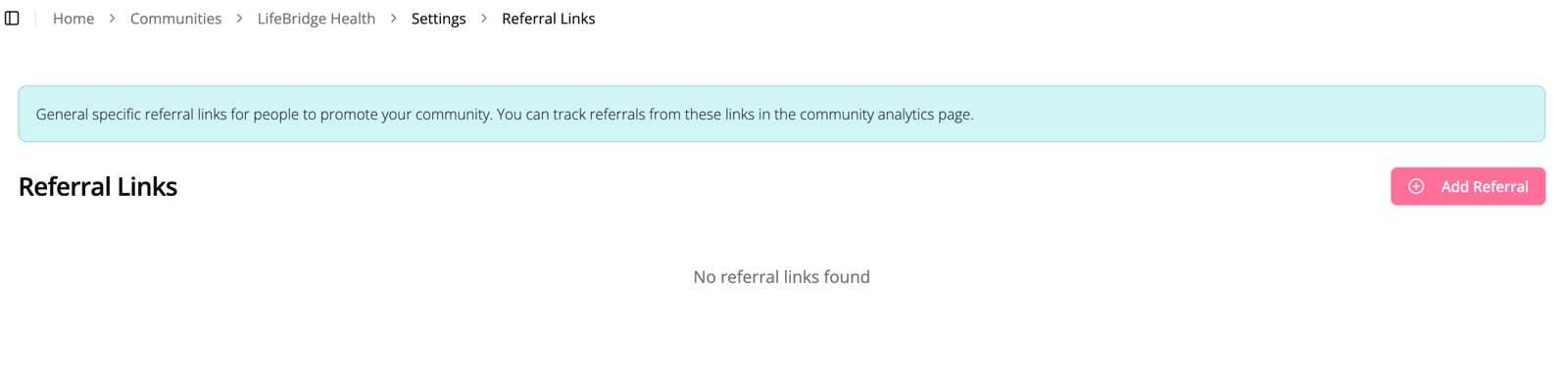
- After launch
Keep improving through analytics and gap analysis
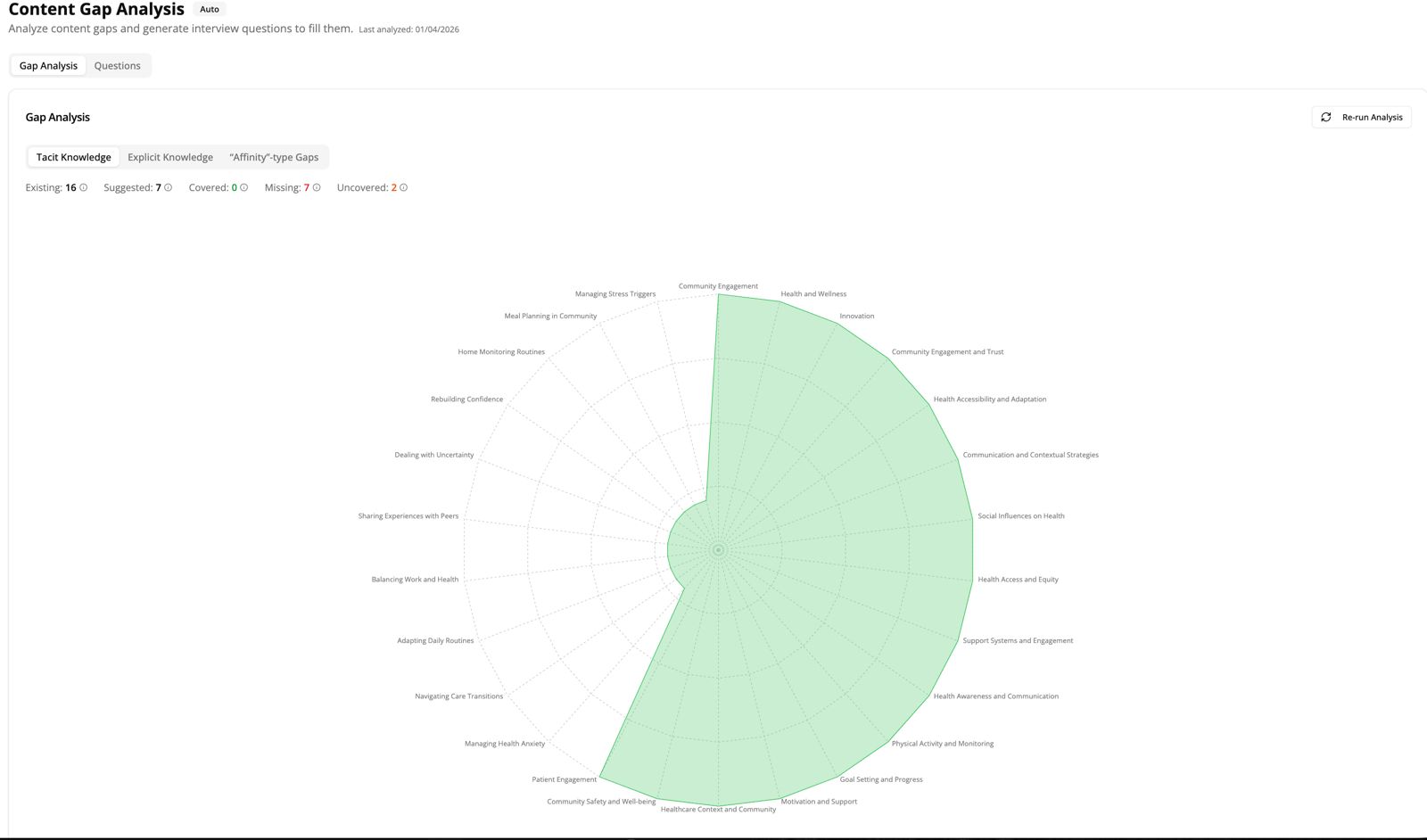
After launch, use the analytics section of the dashboard to monitor participation, content performance, emerging needs, and engagement gaps.
Gap analysis helps refine tacit and explicit tag focus so the community keeps adapting to the real needs of the population it serves.
AnalyticsParticipationGap analysisCourse correctionAnalytics and gap analysis